Translations:Release notes/1.0/761/en
Jump to navigation
Jump to search
-
 Normal text with manual line breaks (click + type, browser-compatible)
-
 Text in-a-shape with automatic line breaks (click + drag + type, browser-compatible, new in Inkscape 1.0)
-
 Flowed text with adjustable width (click + type + drag diamond handle, browser-compatible, new in Inkscape 1.0)
-
 Flowed text of the type that was used in previous versions (click + drag + type, not browser-compatible) can still be activated in the preferences.
-
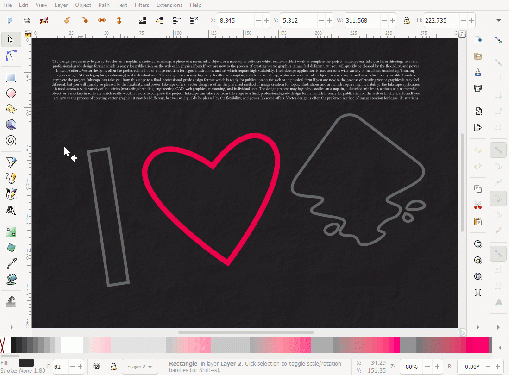 Flowing text into a series of frames in selection order
-
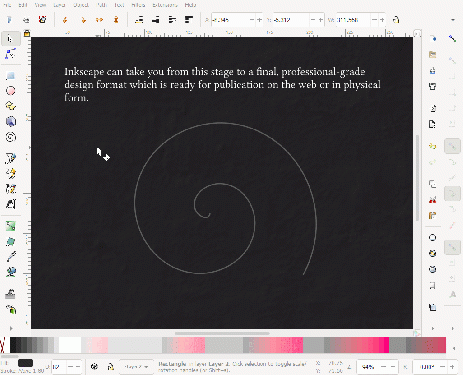 Spiral text as a result of putting text on a path


